
What Is Microsoft Office 365 Plus?
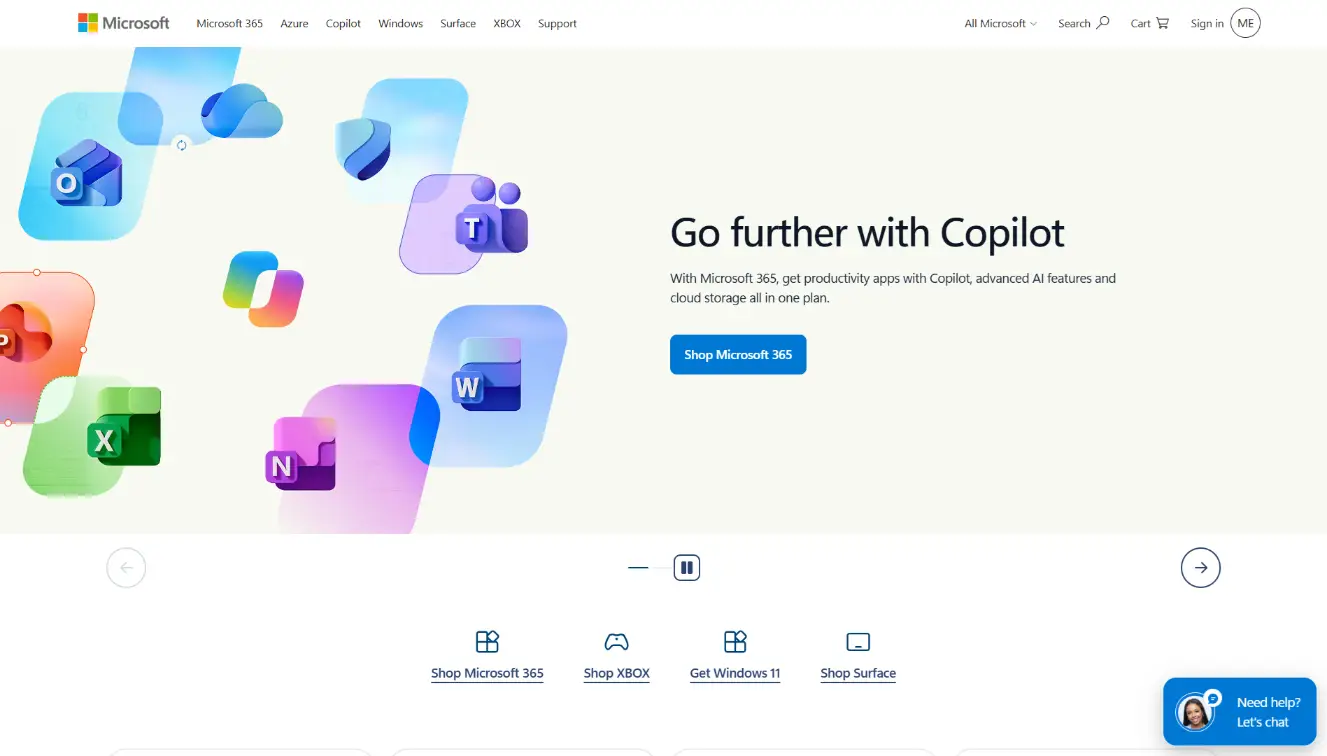
Microsoft Office 365 gives you the desktop Office apps most people work in every day – Word for documents, Excel for spreadsheets and PowerPoint for presentations – plus OneNote for notes and Forms for surveys, quizzes and sign-up forms. Files save to OneDrive, so you can open and edit them from any device and share them with others for review or collaboration.
The Plus plan runs for 12 months and includes 1 TB of OneDrive cloud storage, so your documents, photos and backups have room to grow. You can install the full Office apps on up to 5 Windows PCs with the same account, which makes it a good fit for freelancers, students, small businesses and households with more than one computer.
This deal gives you a ready-made Microsoft account on the Plus plan. Your email and password are delivered automatically after payment. You log in at office.com, change the password right away, install the apps and sign in to activate them.
What's Included?
- 12 months of Office 365 Plus
- Word, Excel and PowerPoint
- OneNote and Forms
- 1 TB OneDrive cloud storage
- Install on up to 5 Windows PCs
- Ready-made Microsoft account
- Email and password delivered automatically after payment
How Activation Works?
- Place your order using the Add To Cart button on this page and complete payment.
- Your login details - an email and password - are sent automatically once payment is confirmed. Check your spam or promotions folder if you don't see them.
- Go to office.com and log in with the email and password provided.
- Change the account password right away so only you have access.
- Click "Install apps" to download Office to your Windows PC.
- Run the installer and wait for setup to finish.
- Open any Office app, such as Word, and sign in with the same account to activate it.
- Repeat the install and sign-in on up to 5 Windows PCs.
- If something doesn't work as expected, message us and we'll help sort it out.
Important Before You Buy
- This is a ready-made account. Keep the login details private and don't share them.
- Change the password immediately after your first login, and keep the new one somewhere safe.
- Don't change the account email or billing details, as it can affect your access.
- Sign in to the Office apps with this account, not a personal Microsoft account, or the apps won't activate.
- Installs cover up to 5 Windows PCs. Sign in with the same account on each one.
- Files you save to OneDrive are stored on this account, so keep the login secure.
- The plan runs for 12 months.
- Delivery is automatic, so double-check your email address at checkout.
- If something doesn't work as expected, message us and we'll help sort it out.
Frequently Asked Questions
Get Microsoft Office 365 Plus - 12 Months
Your login details arrive automatically after payment. Log in, install Office and sign in to activate.
Reviews
There are no reviews yet